

Evaluate Creative Formats Using Meta Ads Library Data
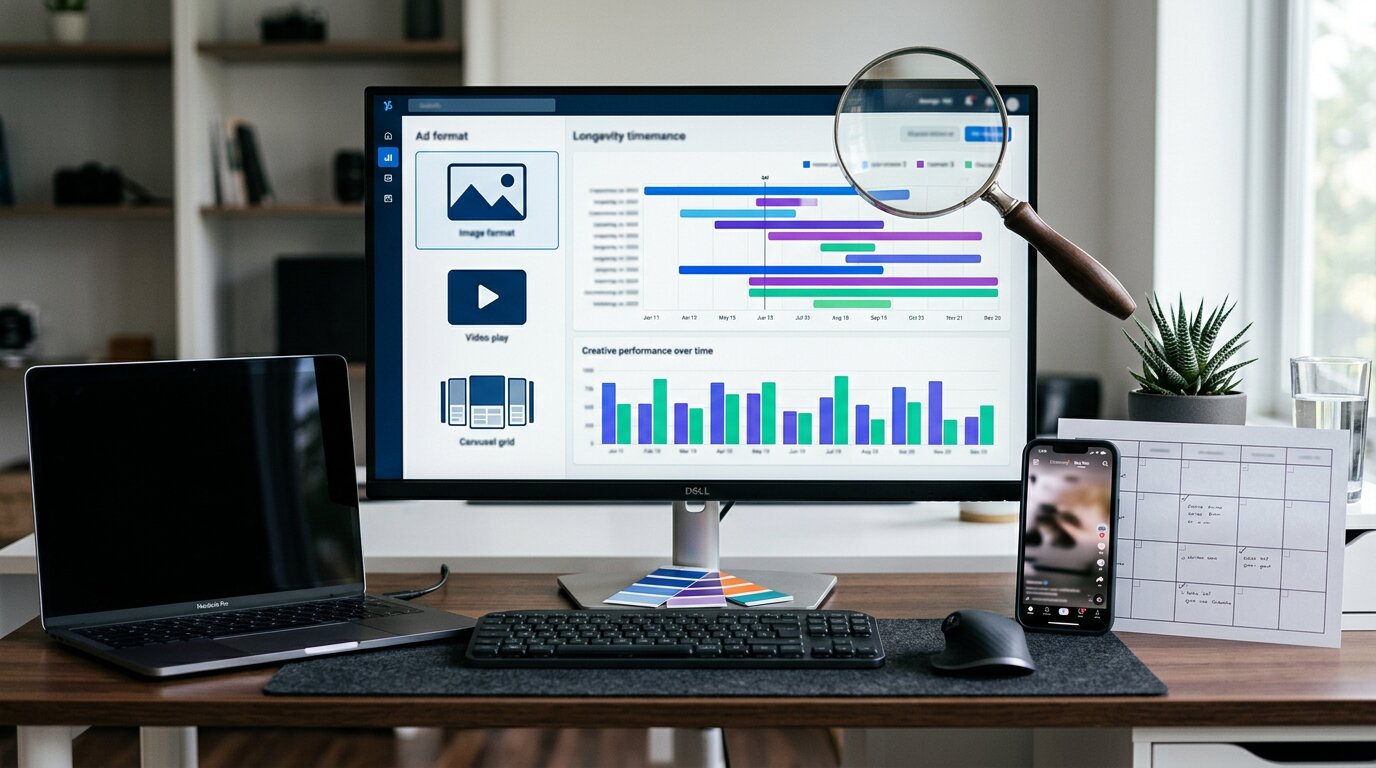
You can use Meta’s Ads Library to move past guesswork and understand which creative formats actually work in your market. By filtering for your region, placements, and media type, you’ll start to see patterns in how top advertisers use images, carousels, and short‑form video. As you track run times, hook variations, and recurring themes, you’ll notice that certain formats consistently outlast others, raising a more important question you haven’t answered yet.
Define Your Ad Format Goals in Meta Ads Library
Define your ad format goals with a clearer understanding of how campaigns actually perform within your specific market. While general benchmarks can be helpful, they often overlook how audience behavior, competition, and creative trends vary locally.
This is why working with a platform like GetHookd can make a noticeable difference: it helps you base decisions on real, active campaigns rather than static assumptions.
For example, video ads may still generate stronger click volume, and carousels may support better downstream actions, but their true performance depends on how brands in your niche are executing them.
By observing live ads, you can better understand how long creatives actually run, what messaging patterns repeat, and how many variations are being tested to maintain engagement. This kind of visibility allows you to refine your benchmarks to reflect your actual competitive landscape.
If you want a quick way to see how brands are structuring, testing, and refreshing their Meta campaigns in real time, check out GetHookd’s options here:
https://www.gethookd.ai/meta-ads-library
Set Up Meta Ads Library Filters for Clean Data
Once you’ve defined your research objective, refine the Meta Ads Library filters to minimize noise and irrelevant results. Set Country to your primary market and Ad Category to “All Ads” to capture a broad range of commercial placements across Facebook, Instagram, Messenger, and Audience Network.
Next, use Platform (e.g., Feed, Reels, Stories) together with Media Type (Image, Video, Carousel) to identify format-specific patterns. Filter by Ad Status (Active) and sort by Start Date to surface ads that have been running longer, which may indicate stable performance or sustained spend.
When relevant, add Advertiser or Keyword filters and narrow the Date Range to analyze seasonal or campaign-specific activity.
To maintain consistency over time, export results on a regular schedule or connect via the API. This supports ongoing tracking, structured analysis, and comparison of creative formats and placements.
Spot Competitor Tests in Meta Ads Library
To identify how competitors are testing creative in the Meta Ads Library, review their listings for groups of near-identical ads launched on the same date. Multiple variants sharing a start date but differing slightly in copy, headlines, or calls to action typically indicate structured A/B or multivariate tests.
Use the Active Status and start-date filters to detect sudden increases in ad volume. The appearance of roughly 5–20 new ads in a short period often reflects the start of a new testing cycle.
Observe which ads remain active over time: creatives that run for 30–90 days or more, while similar variants are paused or rotated out, are likely performing better. Also monitor recurring visuals with small, incremental changes in text, format, or layout. These patterns usually point to systematic, hypothesis-driven testing rather than ad-hoc experimentation.
Compare Ad Formats in Meta Ads Library (Image, Video, Carousel, UGC)
Scan the Meta Ads Library by ad format to see how different creatives function within competitors’ funnels. Use the Media Type and Platform filters to isolate image, video, carousel, and UGC-style ads and review them separately.
Multiple active video variations, especially Reels and Stories, often indicate top‑of‑funnel testing and storytelling. In many accounts, video formats tend to drive higher click‑through rates than static images.
Carousels and catalog ads, which frequently achieve lower cost per click than single images, are commonly used for product discovery and retargeting, particularly when they run for extended periods.
Long‑running single‑image ads can indicate a clear, proven offer that scales efficiently.
UGC‑style videos, which have become more prevalent since 2023, typically aim to build trust and social proof in prospecting campaigns and are often associated with relatively low CPMs.
Use Meta Benchmarks to Judge Each Ad Format
After you’ve reviewed how each format appears across competitors’ funnels, evaluate whether those formats are cost‑effective using Meta’s benchmarks. Start by comparing CPMs: a typical target range is about $8–$15, or $20–$25 for high‑intent campaigns. Assess whether Reels, Feed, or Stories deliver reach that aligns with your campaign objective relative to these costs.
Then review format efficiency using CPC benchmarks: Facebook Feed at approximately $0.50–$1.50, Instagram Feed at $0.80–$2.00, and Reels/Stories at $0.40–$1.20. Compare your CTR to baseline ranges of 0.9%–1.5% overall, and 2%–3% for e‑commerce carousels. Note that video formats often generate 25%–40% more clicks than static creatives, a difference that should be considered when comparing performance across formats.
Use Ad Start Dates to Measure Creative Longevity
Once you’ve assessed how each format performs on cost and engagement, use ad start dates in the Meta Ad Library to evaluate creative longevity.
Ads that run for 30 days or more often indicate concepts that are at least moderately effective. Those running 60–90 days or longer typically reflect high-performing, stable creatives within that account’s strategy and constraints.
Analyze start-date patterns for competitors.
Consistent clusters of new creatives every 4–8 weeks suggest a regular refresh cycle to manage fatigue and maintain performance. Compare start dates by format: if a specific type (for example, UGC video) tends to remain active longer than others (such as studio photography), it may contribute more reliably to performance metrics like click-through rate or conversion rate.
Record start dates on a recurring basis (e.g., weekly) to estimate the average creative lifespan, which often falls in the 4–8-week range, though this varies by niche, budget, and audience size.
Monitor assets that run significantly beyond the typical lifespan, as they may be subject to diminishing returns or creative fatigue, even if they initially performed well.
Turn Meta Ads Library Insights Into Testable Hypotheses
Turning raw observations from the Meta Ads Library into structured tests helps you replace assumptions with measurable outcomes. Treat long‑running creatives (30+ days as likely winners, 60–90+ as scaled winners) as control variants in A/B tests, since their longevity can indicate consistent performance.
When competitors run multiple variations of the same asset, use this as a signal to increase your own testing depth: plan 4–8 variants per hypothesis to capture meaningful performance differences. Translate observed format patterns into specific tests, such as video versus static image, and measure impact on key metrics like CTR and CPC. In many accounts, video ads tend to generate higher click volumes, often in the range of 25–40% more clicks than static formats, but this should be validated in your own data.
Similarly, identify recurring hooks, claims, and pain points across competitors' ads, then turn them into three focused-angle tests. Evaluate each angle in different placements or formats, for example, comparing carousel versus single‑image, and use performance differences to refine future creative direction.
Build a Weekly Meta Ads Library Review Workflow
Consistent weekly reviews of the Meta Ads Library can turn ad‑hoc observations into a structured system for identifying creative trends in your category.
Set aside a 30‑minute weekly block. Select the relevant country, choose “All Ads,” and filter by “Active” and “Image/Video” to focus on live creatives only.
Each session, log 3–5 long‑running ads (30+ days). Note any variations (copy, thumbnails, formats) and highlight concepts that appear to be scaled (high volume of similar creatives, multiple formats, or many ad IDs) as candidates for your own testing.
Track the proportion of video versus static creatives. If you see a sustained increase in video performance, particularly in Reels and Stories placements, consider prioritizing short‑form video in your testing roadmap and comparing performance against existing static assets.
Maintain a structured swipe file that includes: brand, hook/angle, format, call to action, first-seen date, and observations on apparent fatigue (e.g., reduced variation, declining frequency of new iterations around the concept).
When available and appropriate, use exports or the Meta Ads Library API to systematically monitor new ads, approximate run length (via first‑seen dates), and the mix of formats over time. This allows you to spot shifts in creative strategy and format emphasis more reliably than manual checks alone.
Conclusion
When you treat Meta Ads Library as a live testing lab, you turn guesswork into a repeatable system. You’re not just browsing competitors, you’re measuring formats, spotting tests, and tracking winners over time. Use filters, start dates, and benchmarks to see what actually scales, then translate those patterns into clear hypotheses and fresh variations. Review it weekly, prioritize high‑CTR formats like Reels and short videos, and you’ll keep your creative pipeline sharp and profitable.
